


Thank you for subscribing
Your frame mockup is ready — below you will find a short guide to opening, editing, and exporting it. The .PSD works in both Photopea (free, in your browser) and Adobe Photoshop.

FORMAT
.PSD
SIZE
190.1 MB
DIMENSIONS
4568 × 8192 px
WORKS WITH
DIN A · 5:7 · 3:4 · 11:14 · 4:5
How to use
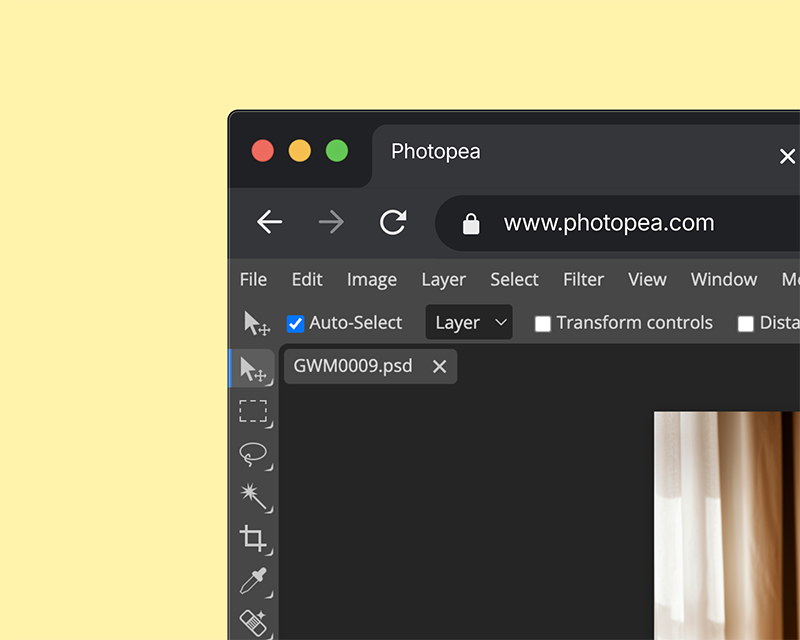
PHOTOPEA — FREE
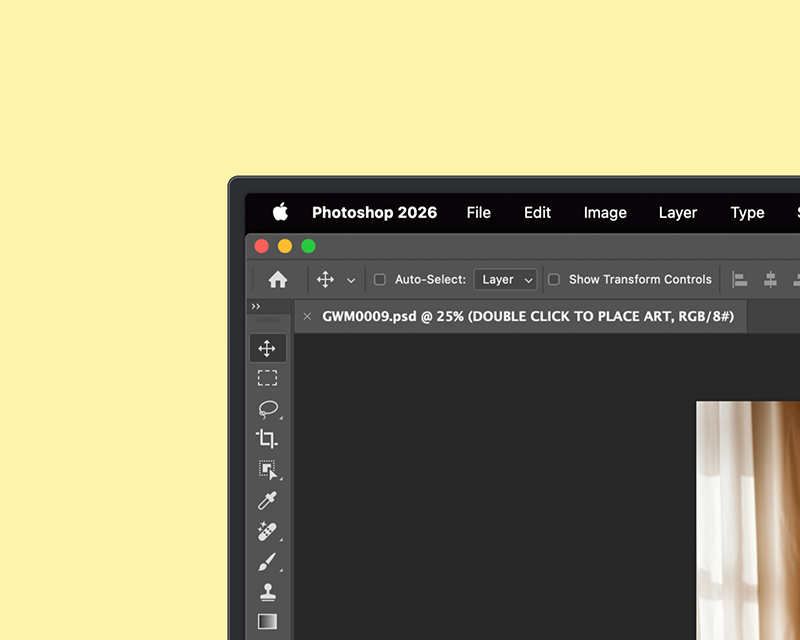
PHOTOSHOP
ARTWORK
Double-click and drop in your design
REFLECTIONS
Tweak opacity for realistic reflections
DO NOT EDIT
Locked layers — leave these untouched
BACKGROUND
Locked layers — unlock for image editing
01
On Photopea or Photoshop, drag your mockup file in — or use File → Open.
02
Double-click the smart object layer — a new tab will open. Drop your design in, resize and position it on the canvas, then File → Save.
03
Close the art tab and switch back to the mockup — your design now appears in the frame. Then File → Export as → PNG or JPG (100% quality).